
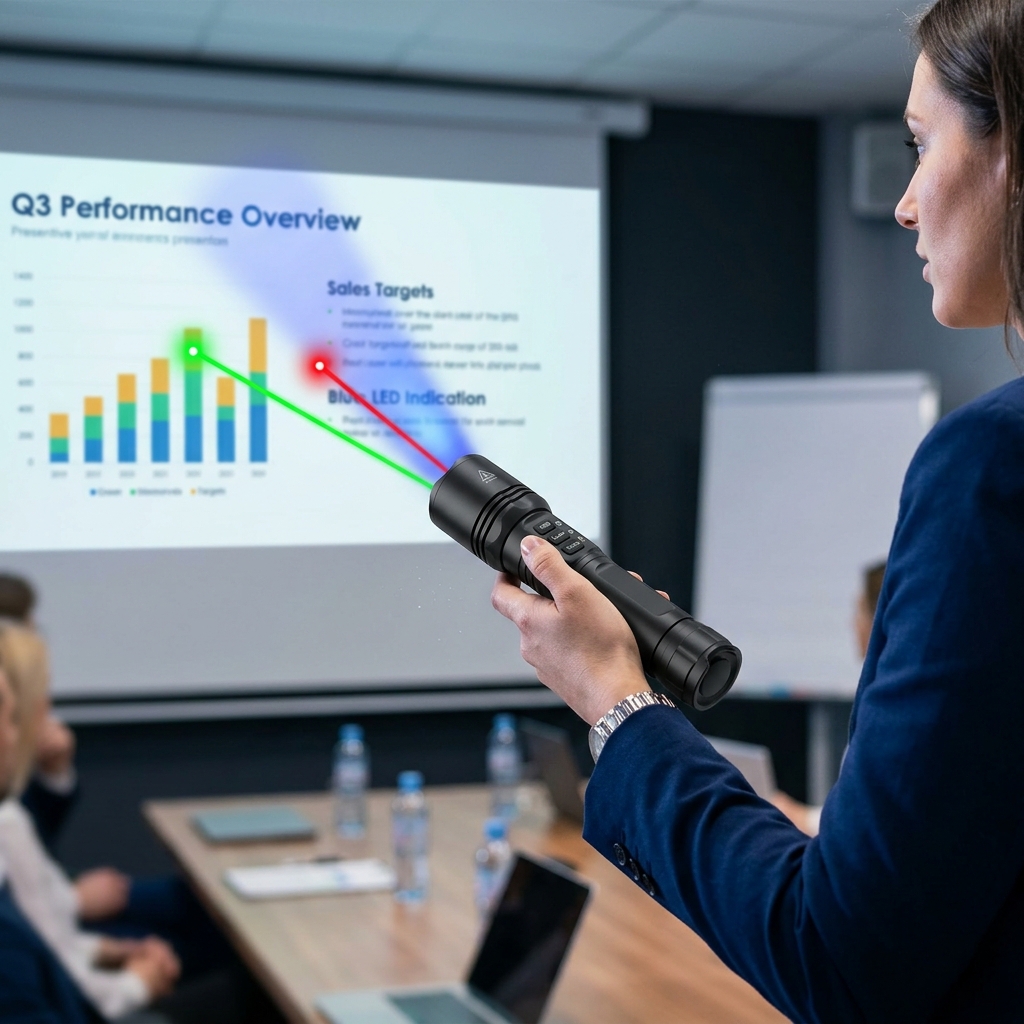
This listing describes a multi-functional 3-in-1 RGB Laser Pointer and Flashlight combo device. Unlike standard single-color presentation pointers, this tool packs Red, Green, and Blue laser modules into a single torch body, usually accompanied by a standard white LED flashlight beam.
Features Breakdown
1. The RGB Laser Colors: Which to use?
Having all three colors gives you versatility depending on your environment:
- Green (532nm): This is the star of the show. The human eye is incredibly sensitive to green light, making it look roughly 4 to 5 times brighter than red laser light at the same power level. It is highly visible on bright projector screens, large auditoriums, and even outdoors during the day.
- Red (650nm): The classic, power-efficient option. It’s softer on the eyes and perfect for dark or dimly lit meeting rooms where a green laser might be glaringly intense.
- Blue/Violet (405nm): A more aesthetic, premium color option. Keep in mind that blue/violet lasers often appear the dimmest to our eyes, so they work best on matte whiteboards or in highly darkened rooms.
2. Dual Function: Torch Light + Pointer
These devices typically operate via a multi-click switch or separate buttons:
- Torch Mode: Uses a standard white LED to function as a regular flashlight for walking in the dark or illuminating a dark classroom.
- Indication Mode: Disengages the flashlight and activates the laser diodes for pinpointing text, charts, or architectural features.
Screen Compatibility Warning (Crucial for Classrooms)
Before you buy this for a modern classroom or boardroom, take note of what kind of display screens are being used:
| Screen Type | Laser Performance |
| Traditional Projectors & Matt Whiteboards | Excellent. The matte texture scatters the laser light perfectly, making the dot highly visible to everyone in the room. |
| Modern LED / LCD TV Displays | Poor. High-gloss glass panels on large flat-screen TVs absorb or mirror the laser beam. The dot will either disappear entirely or create a distracting, blinding reflection for your audience. |
Alternative: If your classroom or office relies heavily on large TV displays instead of projectors, you may want to look into a Digital Presenter / Air Mouse instead of a physical laser pointer. Those use software to overlay a digital “spotlight” on any digital screen.
⚠️ Essential Safety Note
Because these devices often share components with tactical flashlights, their lasers can sometimes be higher than the standard, safe “Class 2” (under 1 milliwatt) presentation limits.
- Always check the laser class rating.
- Never point any color of the laser toward people, reflection-heavy windows, or mirrors, as a stray reflection can cause permanent eye damage.
Are you looking to use this primarily for pointing at projector screens, or do you need something heavy-duty for outdoor guiding and construction environments?
Price Now: PKR 509.15 (Original price: PKR 1330.35, 62% off)
Related Posts
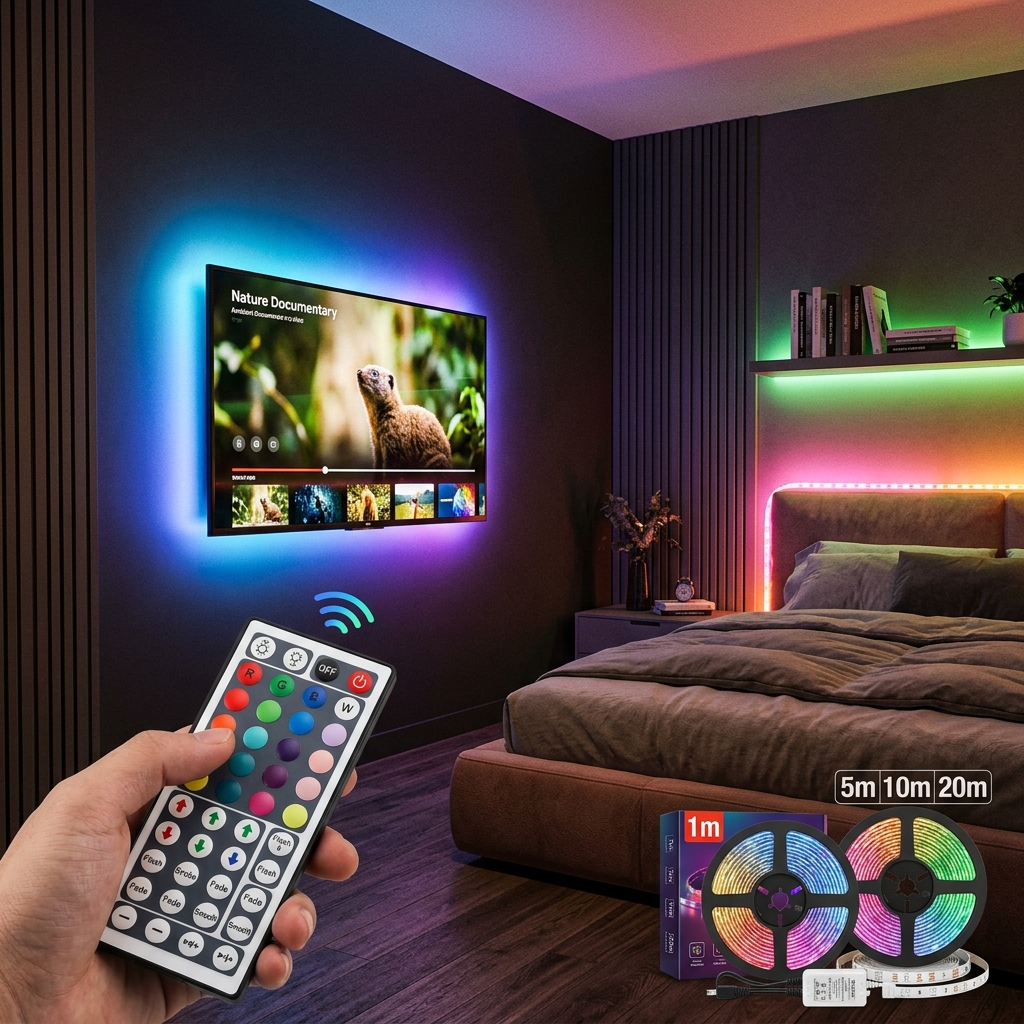
Led Strip Lights with 44 Key Remote Control 1m 5m 10m 20m RGB Tape Led Wall Room for Home Bedroom Party Decor TV Backlight
This is a product listing for RGB LED Strip Lights, which are…

Flower Green Leaf String Lights Artificial Vine Fairy Lights Battery Powered Christmas Tree Garland Light for Weeding Home Decor
This describes a highly popular, budget-friendly decor trend: artificial ivy or floral…
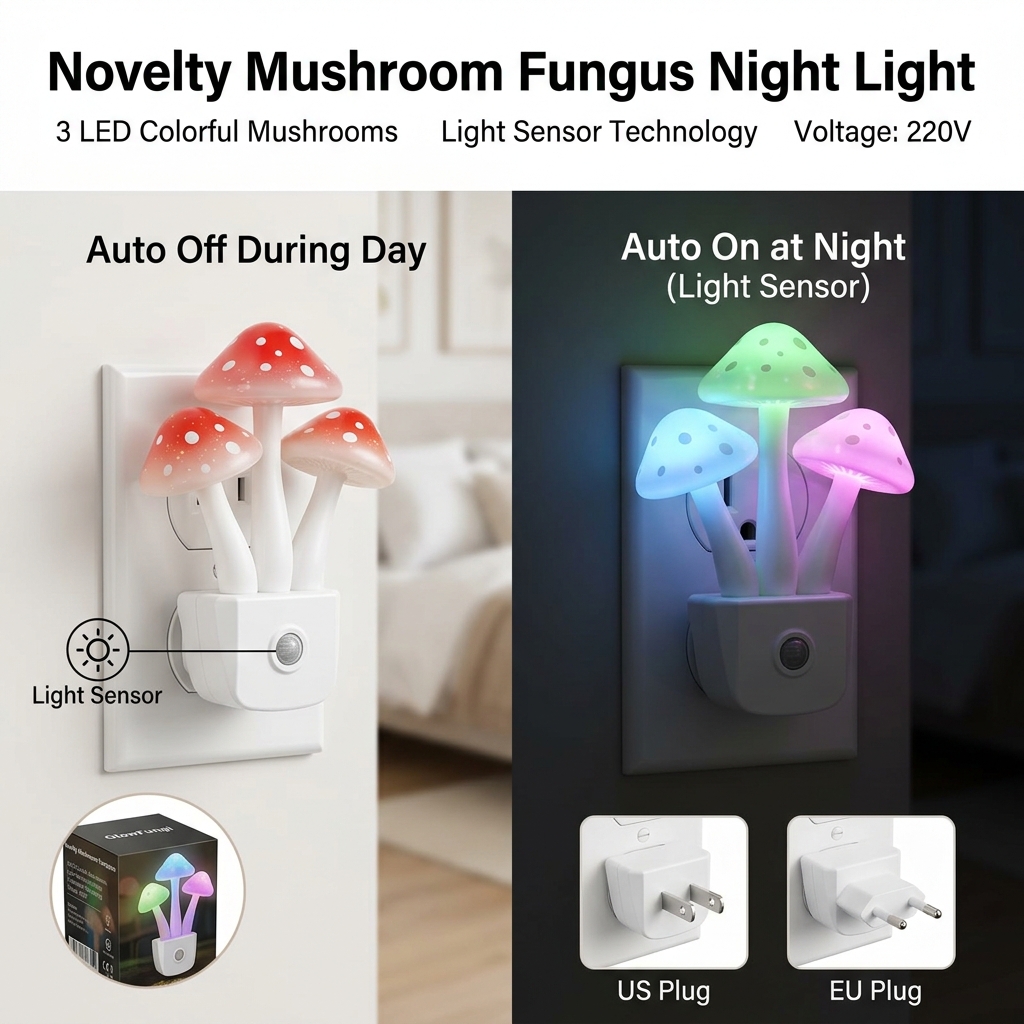
Novelty Mushroom Fungus Night Light EU & US Plug Light Sensor 220V 3 LED Colorful Mushroom Lamp Led Night Lights
This listing describes the highly popular "Avatar-style" Mushroom LED Night Light. Inspired…