
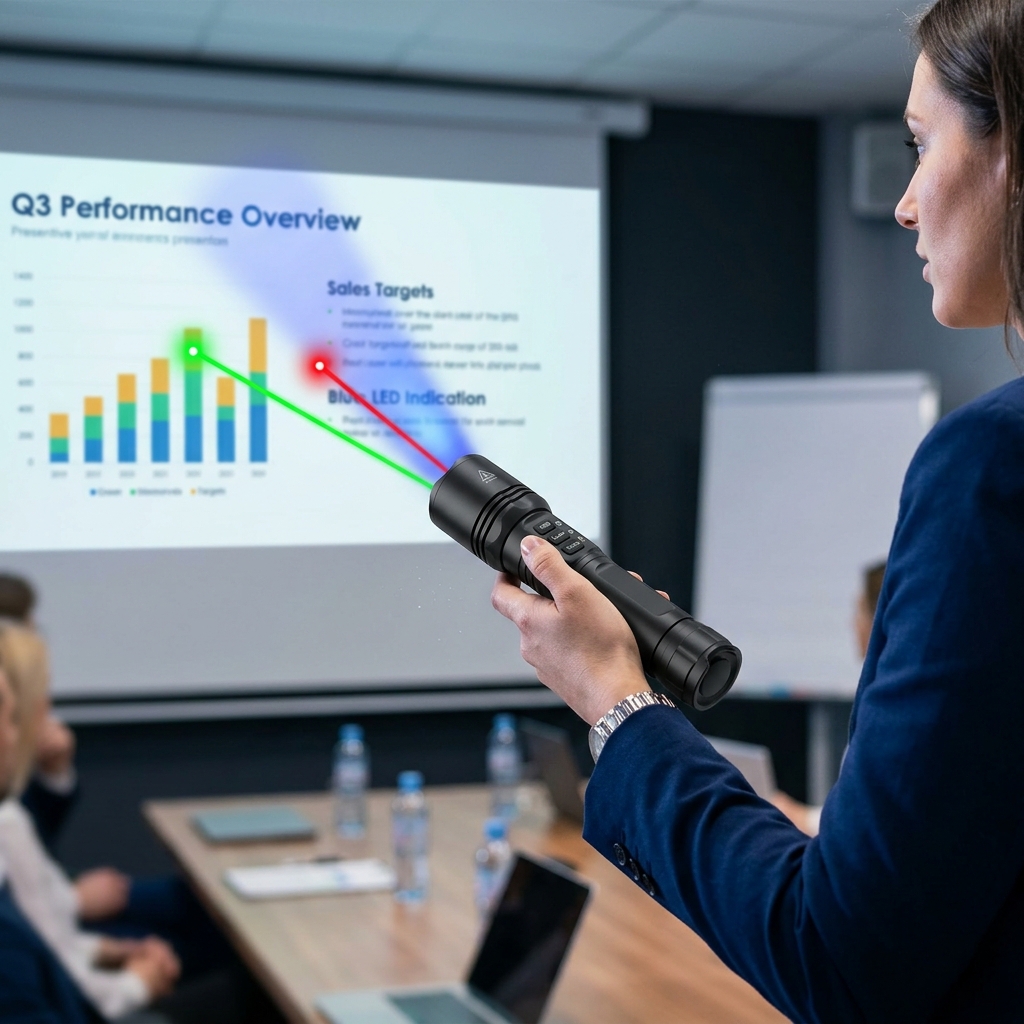
This listing describes a multi-functional 3-in-1 RGB Laser Pointer and Flashlight combo device. Unlike standard single-color presentation pointers, this tool packs Red, Green, and Blue laser modules into a single torch body, usually accompanied by a standard white LED flashlight beam.
Features Breakdown
1. The RGB Laser Colors: Which to use?
Having all three colors gives you versatility depending on your environment:
- Green (532nm): This is the star of the show. The human eye is incredibly sensitive to green light, making it look roughly 4 to 5 times brighter than red laser light at the same power level. It is highly visible on bright projector screens, large auditoriums, and even outdoors during the day.
- Red (650nm): The classic, power-efficient option. It’s softer on the eyes and perfect for dark or dimly lit meeting rooms where a green laser might be glaringly intense.
- Blue/Violet (405nm): A more aesthetic, premium color option. Keep in mind that blue/violet lasers often appear the dimmest to our eyes, so they work best on matte whiteboards or in highly darkened rooms.
2. Dual Function: Torch Light + Pointer
These devices typically operate via a multi-click switch or separate buttons:
- Torch Mode: Uses a standard white LED to function as a regular flashlight for walking in the dark or illuminating a dark classroom.
- Indication Mode: Disengages the flashlight and activates the laser diodes for pinpointing text, charts, or architectural features.
Screen Compatibility Warning (Crucial for Classrooms)
Before you buy this for a modern classroom or boardroom, take note of what kind of display screens are being used:
| Screen Type | Laser Performance |
| Traditional Projectors & Matt Whiteboards | Excellent. The matte texture scatters the laser light perfectly, making the dot highly visible to everyone in the room. |
| Modern LED / LCD TV Displays | Poor. High-gloss glass panels on large flat-screen TVs absorb or mirror the laser beam. The dot will either disappear entirely or create a distracting, blinding reflection for your audience. |
Alternative: If your classroom or office relies heavily on large TV displays instead of projectors, you may want to look into a Digital Presenter / Air Mouse instead of a physical laser pointer. Those use software to overlay a digital “spotlight” on any digital screen.
⚠️ Essential Safety Note
Because these devices often share components with tactical flashlights, their lasers can sometimes be higher than the standard, safe “Class 2” (under 1 milliwatt) presentation limits.
- Always check the laser class rating.
- Never point any color of the laser toward people, reflection-heavy windows, or mirrors, as a stray reflection can cause permanent eye damage.
Are you looking to use this primarily for pointing at projector screens, or do you need something heavy-duty for outdoor guiding and construction environments?
Price Now: PKR 509.15 (Original price: PKR 1330.35, 62% off)
Related Posts
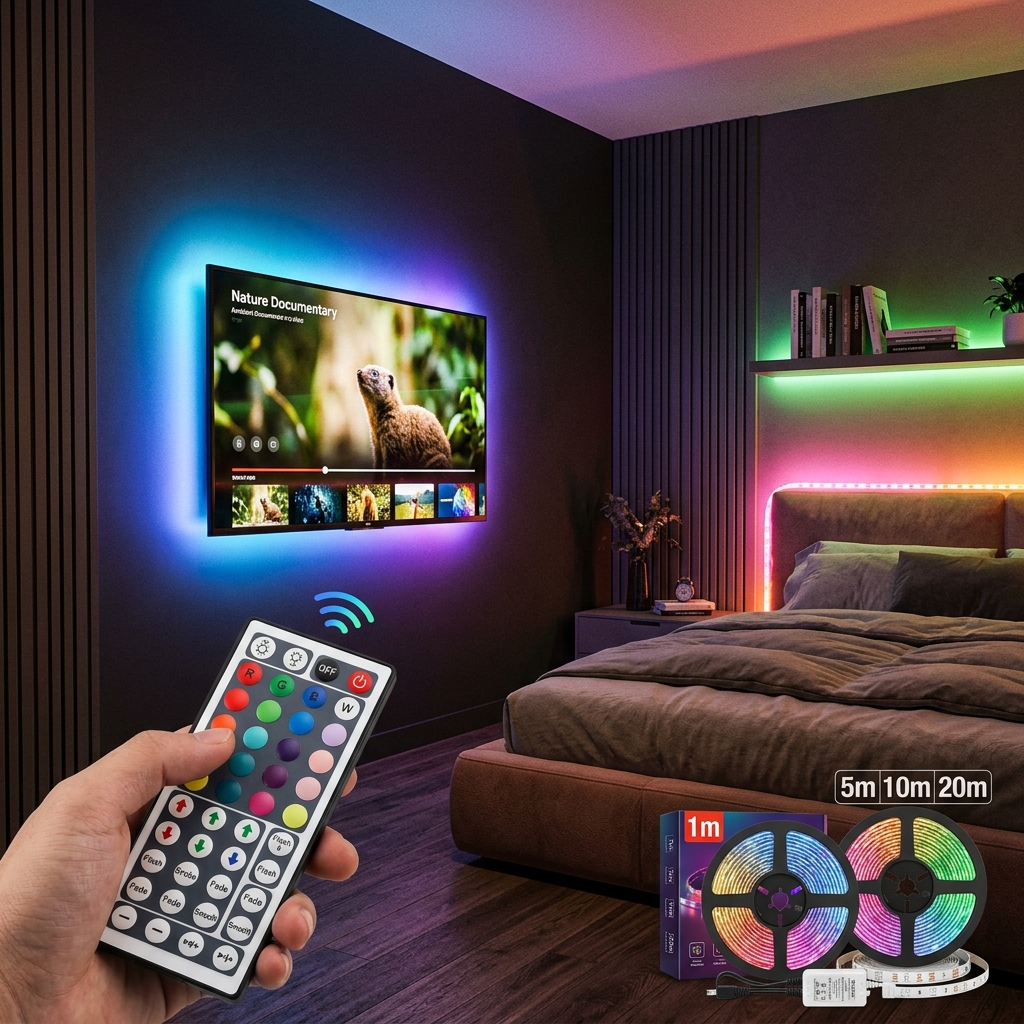
Led Strip Lights with 44 Key Remote Control 1m 5m 10m 20m RGB Tape Led Wall Room for Home Bedroom Party Decor TV Backlight
This is a product listing for RGB LED Strip Lights, which are…
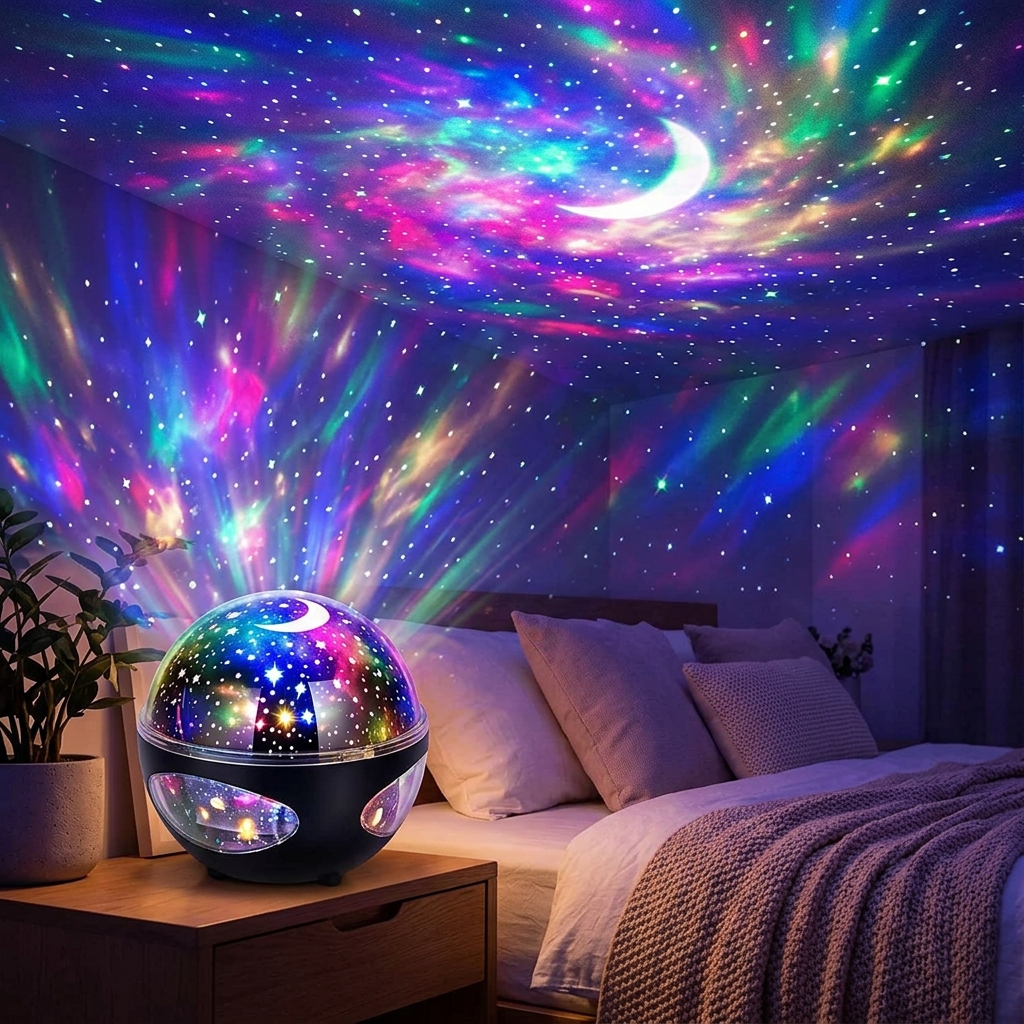
Colorful LED Starry Sky Projector Galaxy Light Magic Ball Moon Star Night Light Bedroom Atmosphere Lamp For Home Decoration
This describes one of the most popular mood-lighting gadgets on the market:…
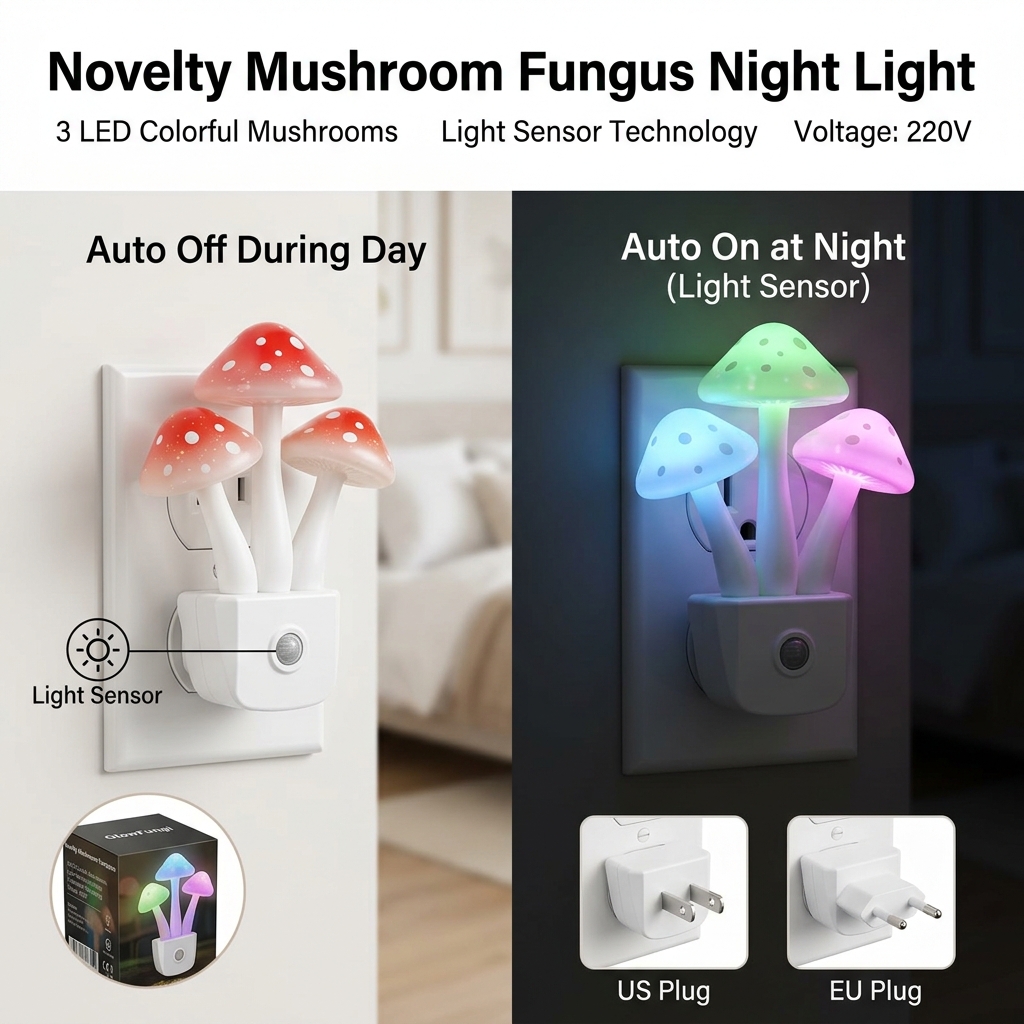
Novelty Mushroom Fungus Night Light EU & US Plug Light Sensor 220V 3 LED Colorful Mushroom Lamp Led Night Lights
This listing describes the highly popular "Avatar-style" Mushroom LED Night Light. Inspired…